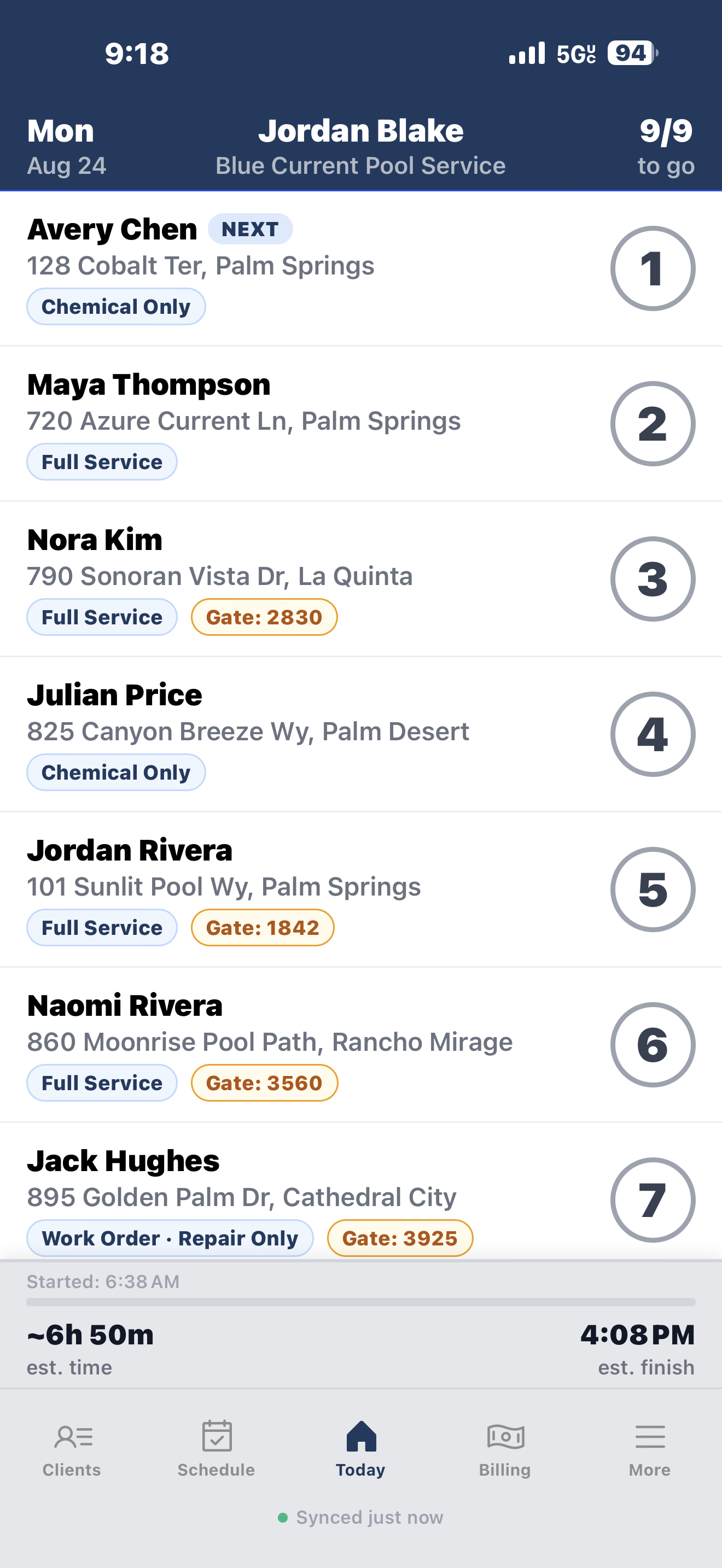
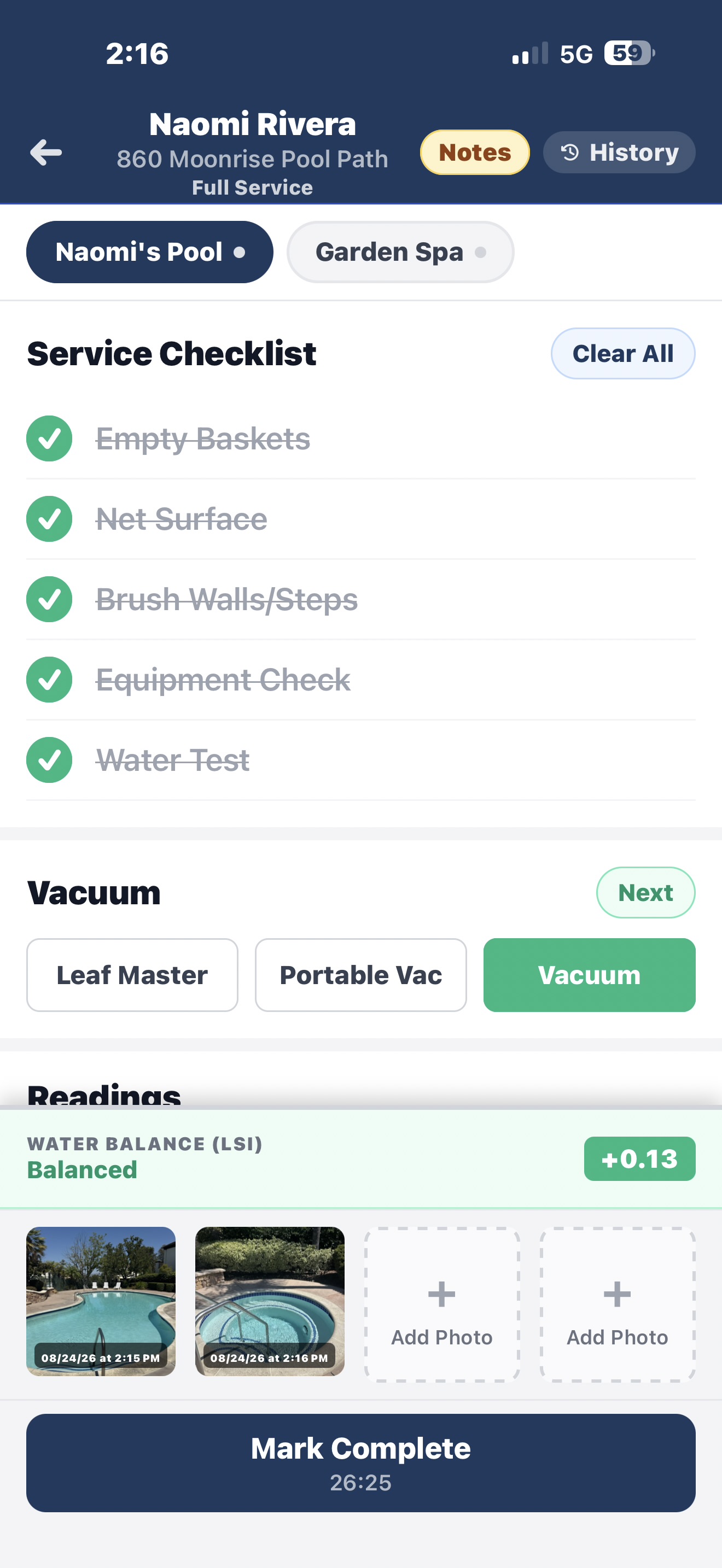
Give customers a clear record of the visit: water readings, completed tasks, notes and photos. Poolnet can send the report automatically when you complete service.
Sent automatically when service is complete
Readings, visit notes, photos, and local weather
A clear record that builds confidence in your work
Sample customer email
Blue Current Pool ServiceService report
Service completed for
Maya Thompson
720 Azure Current Lane Palm Springs, CA 92262
Visit completedMondayAugust 24, 20262:50 PM PDT
Serviced byJeff SmithWeather84°F · Sunny
Water chemistry
Free Chlorine3 ppm
pH7.6
Alkalinity80 ppm
Cyanuric Acid50 ppm
Chemicals added
Liquid Chlorine1 Gal
Service checklist
Brush pool wallsCompleted
Empty skimmer basketsCompleted
Inspect equipmentCompleted
Service notesBrushed the walls, emptied the baskets, and checked the equipment. Everything is looking good for the week.
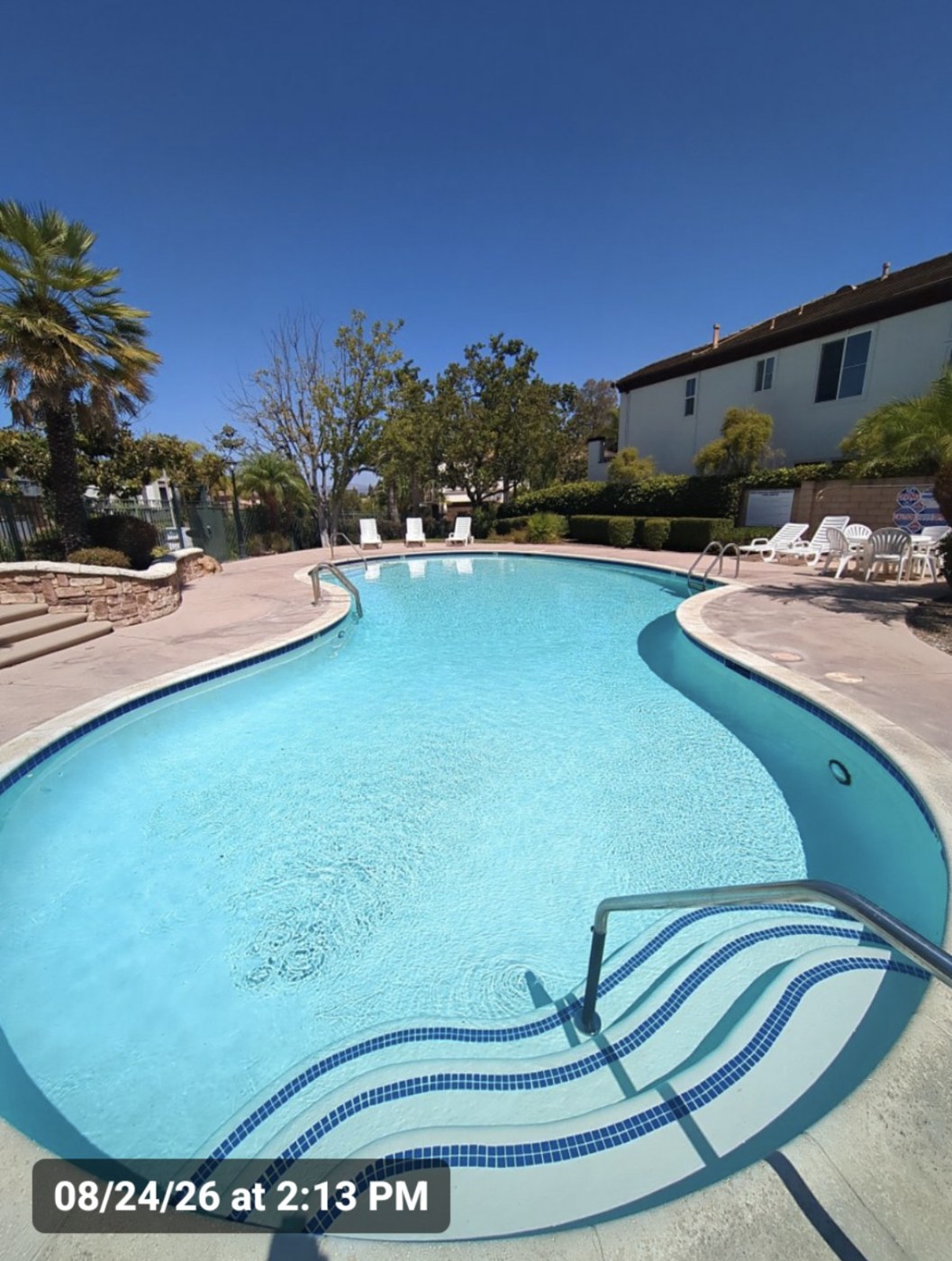
Service photos
Questions about this visit? Reply to this email or call (760) 555-0120.
Getting your clients into Poolnet
You don’t have to retype your whole client list.
Start with the clients you already service. Use the dashboard import tool, or reach out for help preparing your list.
From paper or spreadsheets
Bring the details you need on the route.
Download the Poolnet import template in the web dashboard. Fill in your client details, upload the file and review the list before importing.
The dashboard accepts Excel (.xlsx) and CSV files using the template’s columns, with up to 200 clients per import.
From another system
Get help with your client list.
Contact support about the list you have. We’ll help you prepare it for Poolnet’s import format so you can try your route before deciding to switch.
Prices are in USD. Solo includes one technician seat. Teams adds $35/month for each additional technician, with 60 more active clients added to your company’s shared allowance. Archived clients don’t count.
For example, two technician seats cost $70/month and include 120 active clients across the company. With 125 active clients, the monthly total is $75.
Your trial starts when you create your account. No payment method is required to start. To continue after 30 days, choose to subscribe and add a payment method. Your first payment covers the prorated remainder of the month; regular billing follows on the 1st. Read the billing terms.
Create your owner account on the web with your name, business name, U.S. business address, email and a password of at least 8 characters. Confirm your email if the signup page asks you to. Then download the app and sign in with the same account, or use the web dashboard. The 30-day trial starts with account creation.
Do I need an account before installing the app?
You can install Poolnet first, but you need an active account to use it. Business owners create their account on the web. If you’re joining an existing company as a technician, ask your business administrator for access.
Can you help me import my customers?
Yes. The web dashboard provides a Poolnet import template and accepts Excel (.xlsx) and CSV files using its columns, with up to 200 clients per import. Review the list before importing. For help preparing your list, contact support@poolnet.app.
What devices can I use?
Poolnet is available for iPhone and Android. You can also sign in to the web dashboard from a computer to manage clients, invoices and settings. Check the store listing for compatibility with your device.
What happens when the trial ends?
You need a paid subscription to continue after the 30-day trial. No payment method is required at signup. If you have not chosen to subscribe and added a payment method, there is no automatic charge. See the billing terms for subscription and payment details.
How are extra clients and technicians charged?
Solo is $35/month for one technician seat and up to 60 active clients. Each additional technician is $35/month and adds 60 clients to the company’s combined allowance. Extra active clients cost $1/month each above that combined allowance. Archived clients don’t count.